
New parents are told to track everything — feeds, wet diapers, sleep — and then handed apps that need two thumbs and a bright screen at three in the morning, with a baby in the other arm. Most of the tracking stops in week two, not because it stopped being useful but because the logging cost more than it gave back.
A tap on the wrist costs nothing. Here's the setup that lasts.
Three stickers on the watch face
- In Dayleaf, make three custom stickers: Feed, Nap, Diaper. Distinct colours help at night.
- Add three Dayleaf → Sticker Stamp complications to a watch face — the Modular face has room for all three. Each one picks its sticker in the editor.
- Feed the baby, tap Feed. Baby goes down, tap Nap. You get the idea. The count for each shows on the wrist: Feed ×7.
The calendar becomes the pediatrician's chart
At the check-up you'll be asked how many feeds a day and how the naps are trending. Open the month view and read it off: Feed ×8 · Nap ×4 on Monday, ×7 · ×5 on Tuesday. Filter the timeline by Nap and the sleep story unfolds week by week. No export, no chart-building — the calendar is the chart.
Glanceable, without opening anything
Add the Today widget to your Home Screen or Lock Screen and the day's stamps and goals are there at a glance — Feed ×5 · Nap ×2 — which is exactly the question the other parent asks when they take over.
The part you'll actually keep
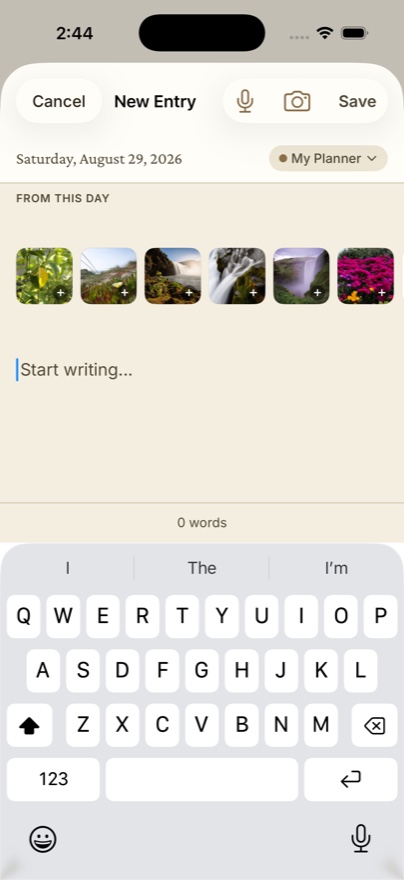
Feeding logs get deleted. The thing parents wish they'd kept is the texture: the first real smile, the week the naps finally consolidated, the photo from that morning. Dayleaf pulls the day's photos into the entry automatically, so the one-tap log and the memory end up on the same page. In a year the counts will be trivia and the page will be the keepsake.
